
A comic page is a sequence of frozen moments, carefully arranged so a reader’s eye moves from panel to panel, filling in the motion between them with imagination.
That gap between panels — the part a reader has always had to imagine — is exactly what Pippit’s Seedance 2.5 model can now fill in directly, turning a static comic page into a short animated sequence that moves the way readers have always pictured it moving in their heads.
Panel one: why creators want their panels to move
Comic creators have long envied animation’s ability to show motion directly — a punch landing, a cape flowing, a dramatic entrance — rather than relying on speed lines and motion blur tricks to imply it on a still page.
Full animation has always been the natural next step for a comic property, but traditional animation production remains far too expensive and slow for most independent creators to pursue seriously.
Panel two: what’s needed to get started
A few things make this process go smoothly:
- Clean, high-resolution scans or exports of the panels you want to animate.
- A clear sense of which specific action or beat within the panel deserves motion.
- Reference art showing the character from multiple angles, if available, for consistency.
- A willingness to animate a single strong panel well rather than an entire page at once.
Panel three: building this into a promotional strategy
A single animated panel makes a strong social post, but creators launching a new issue or volume often build a short sequence of three or four animated panels into a trailer-style teaser, giving potential readers a taste of the story’s tone and energy without giving away the full plot.
Keeping the same character and art style consistent across every animated panel in the sequence helps it read as one cohesive teaser rather than disconnected clips.
Used across a full issue or volume, Pippit works as a dependable AI video generator for a creator’s whole promotional rollout, not just a single panel.
Panel four: the generation process itself
Step 1: Upload your panel and describe the intended motion
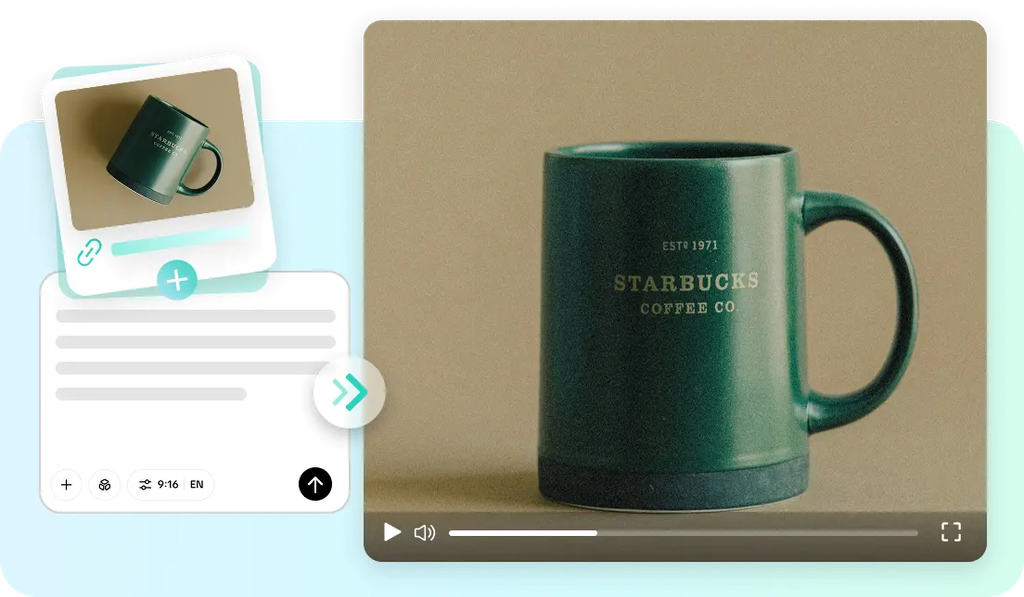
Open Pippit’s Video Generator, select Seedance 2.5, and upload the comic panel as a reference. Write a time-stamped prompt describing exactly what should move and when.
For example: Create a 10-second animated video of a comic panel. 0–3 seconds: hero crouches on a rooftop edge, cape still, original ink and color style preserved. 4–7 seconds: hero leaps between rooftops, dynamic motion on the cape and hair, strong forward momentum. 8–10 seconds: end on a dramatic landing pose, freeze-framing the impact.
Step 2: Time-mark the action’s key beats
Use time-stamped prompts to control the sequence precisely — the character’s starting pose in the opening seconds, the main action unfolding through the middle, a dramatic landing or freeze-frame moment at the end that echoes a comic’s classic dramatic pause. Review the draft against the original panel’s energy — does the motion feel like a natural extension of what the artist originally drew, or does it drift from the intended tone?
Step 3: Extend into the next panel, then export
If the story continues into a following panel, use the extension feature to animate that next beat as a connected sequence, rather than treating each panel as a fully separate generation. Export in the format needed for a webcomic promotional post, a crowdfunding trailer, or a social media teaser.
Panel five: what makes Seedance 2.5 well suited to comic art specifically
Creativity transfer for preserving art style
Creativity transfer can replicate a comic’s specific inking, coloring, and shading style rather than defaulting to a generic animated look, which matters enormously for keeping an animated panel visually true to a creator’s established art.
Fixed duplication issues for consistent characters
Previously known “twin” duplication problems have been addressed, keeping a single character consistent across an animated sequence rather than risking an unintended duplicate undermining a dramatic panel.
Multimodal fusion for richer creative direction
Uploading character design sheets, color references, and even sound cues alongside the panel itself — supported by input of up to 50 pieces of material — helps a generation stay true to a creator’s full creative vision, not just the single image.
Panel six: Choosing which panels deserve animation
Not every panel benefits equally from motion. High-impact panels — a big reveal, a dramatic action beat, a splash page — tend to justify the extra attention far more than quiet dialogue panels, which often work better left completely still to preserve the pacing rhythm a reader expects from the comic format itself.
Panel seven: Scoring the scene with SeedAudio 1.5
An animated panel gains a lot from sound — an impact effect, a whoosh of movement, a single line of dialogue delivered with real weight. SeedAudio 1.5 lets creators generate that audio layer directly, matched to the panel’s action, turning a silent motion clip into something that feels closer to a finished animated short than a moving illustration.
Closing the gap between page and motion
Comics have always asked readers to imagine the motion between panels — now, for the moments that matter most, creators can finally show it. With Seedance 2.5 inside Pippit, a single powerful panel can become a short, story-true animated moment without a full animation studio behind it.
If there’s a panel in your comic that’s always felt like it was straining to move, it might be worth opening Pippit and finally letting it.